
One stock list for the counter and your online store
Sell at the till, sell online, and the stock count stays right in both places. Try the sample Singapore shop below, no password needed.
Pick a screen to try
Each demo opens in a new tab, already signed in.
Search or scan items, apply a discount, take PayNow or cash and print the receipt.
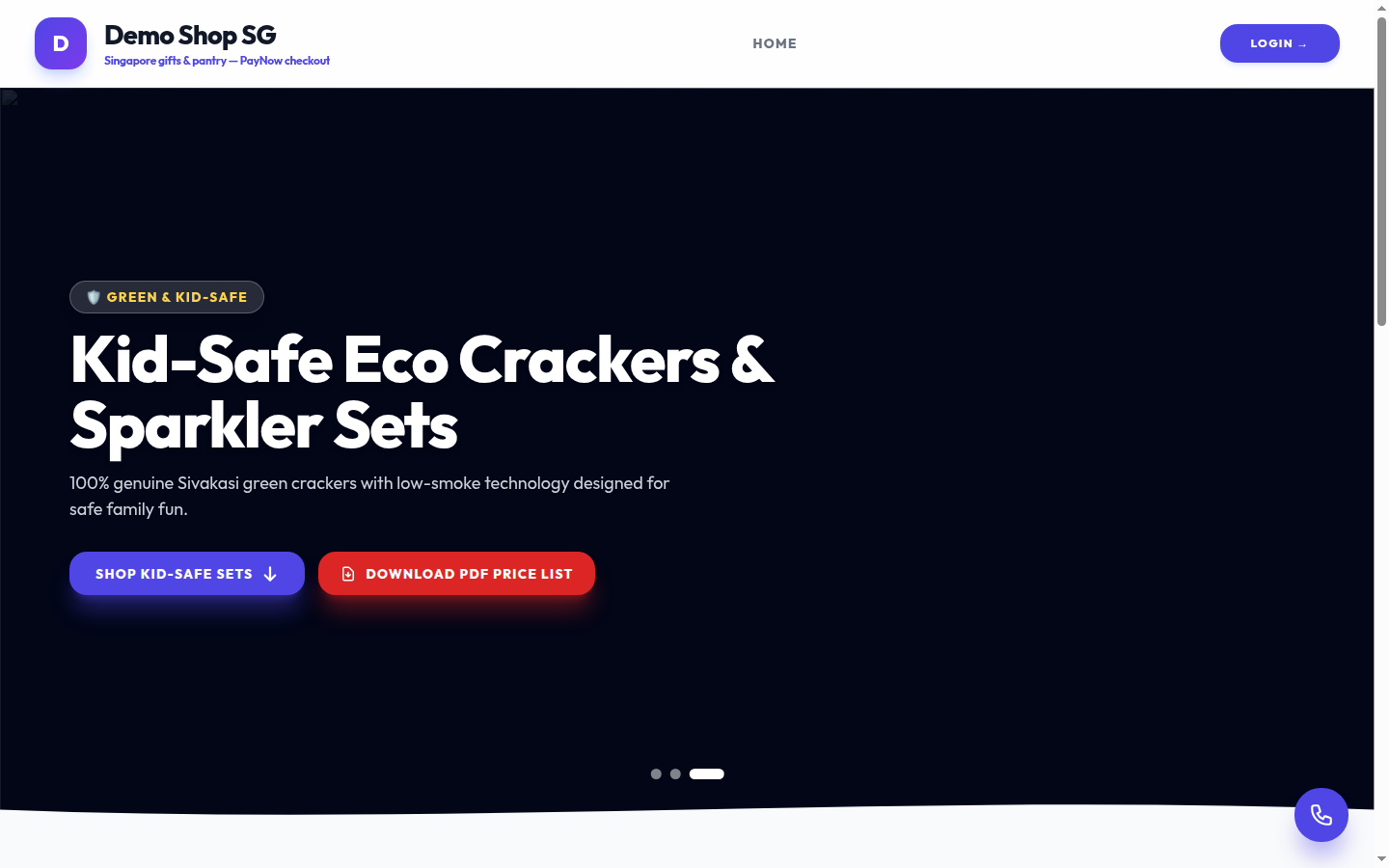
Open the POSYour own store page with a cart and PayNow checkout, in S$ with GST included.
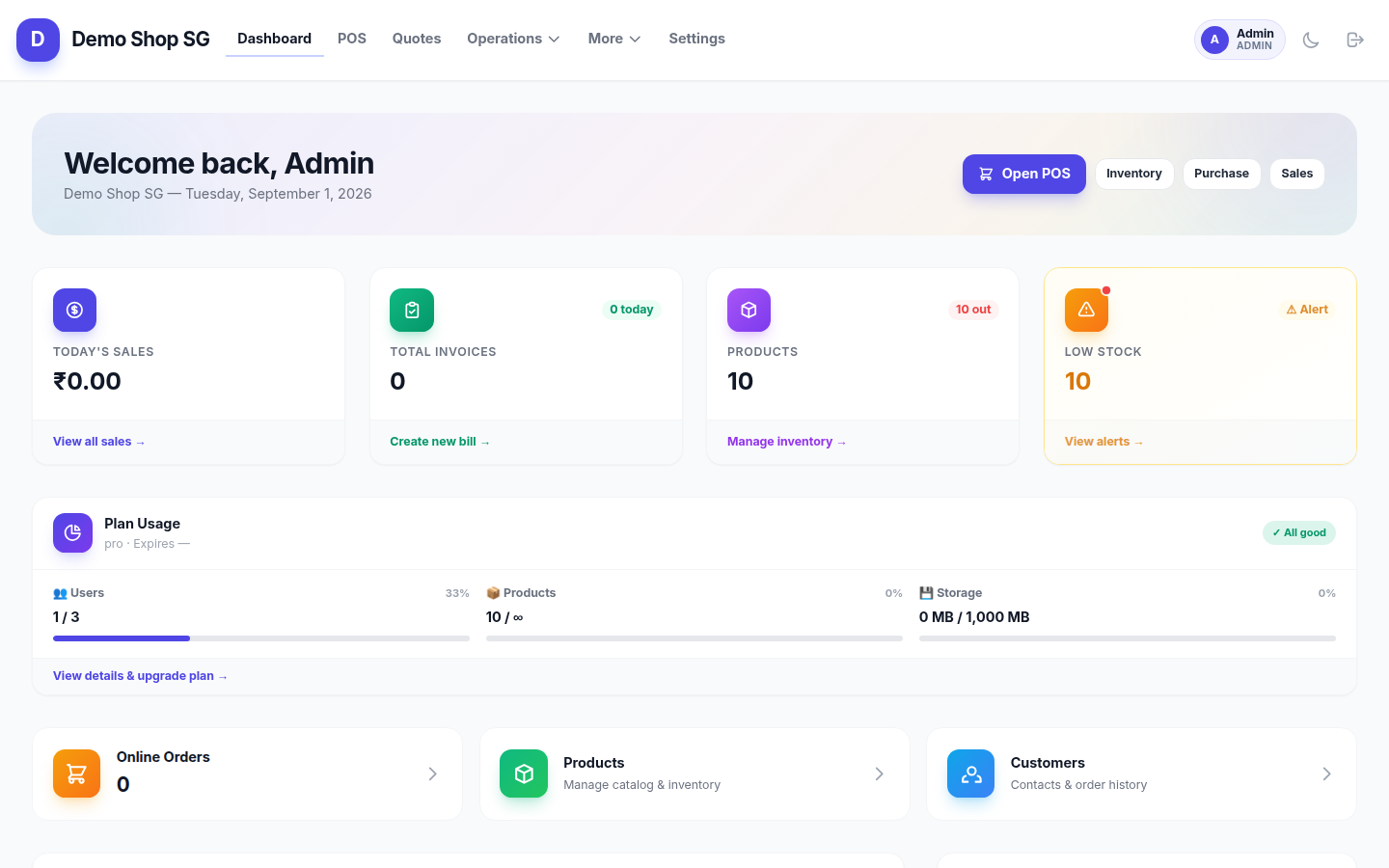
Open the online storeToday’s sales, low stock, products, staff and the Singapore setup checklist.
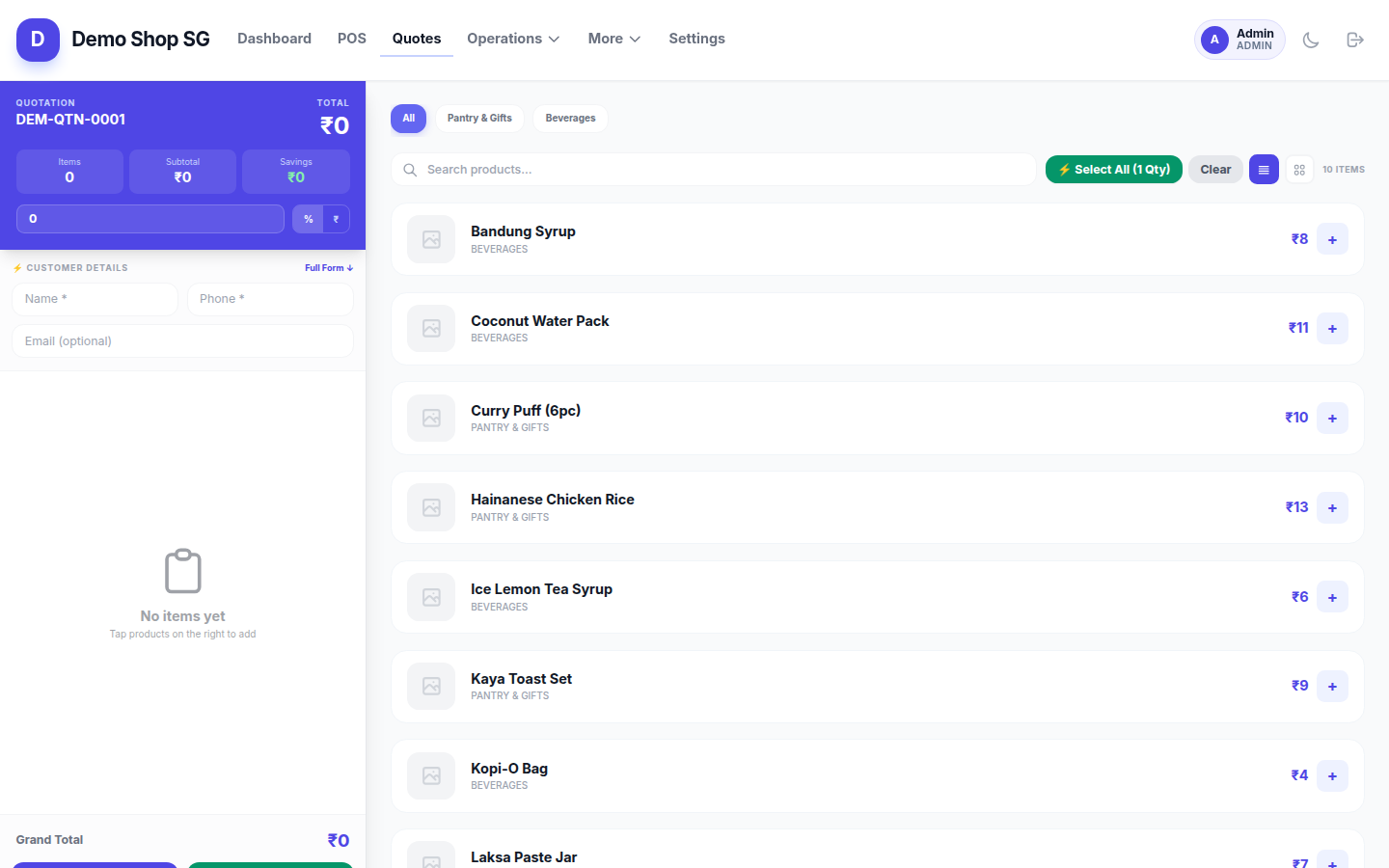
Open the dashboardSend a quote, then turn it into a sale without typing the items again.
Open quotationsEvery sale with its payment method. Reprint receipts and tax invoices.
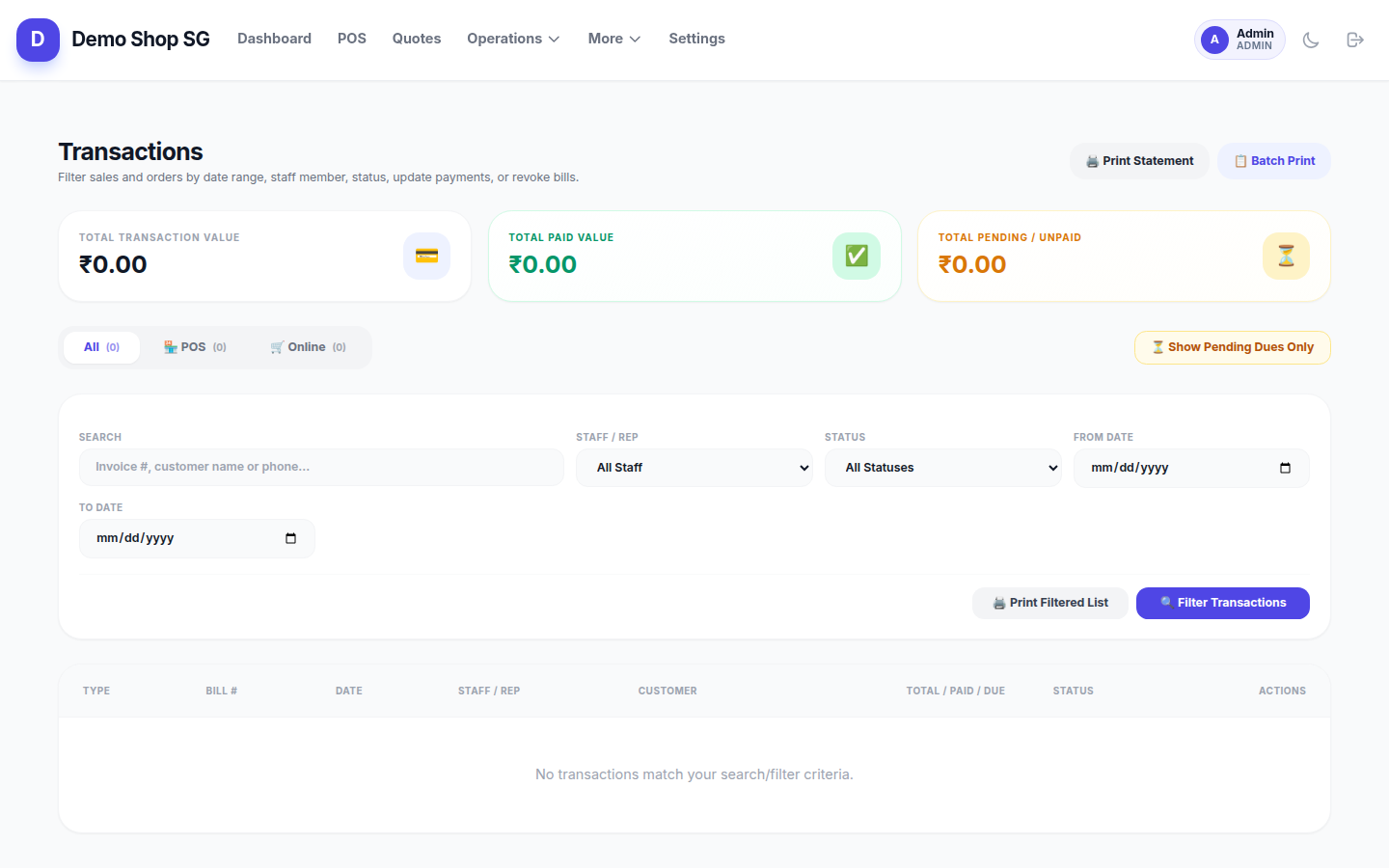
Open sales history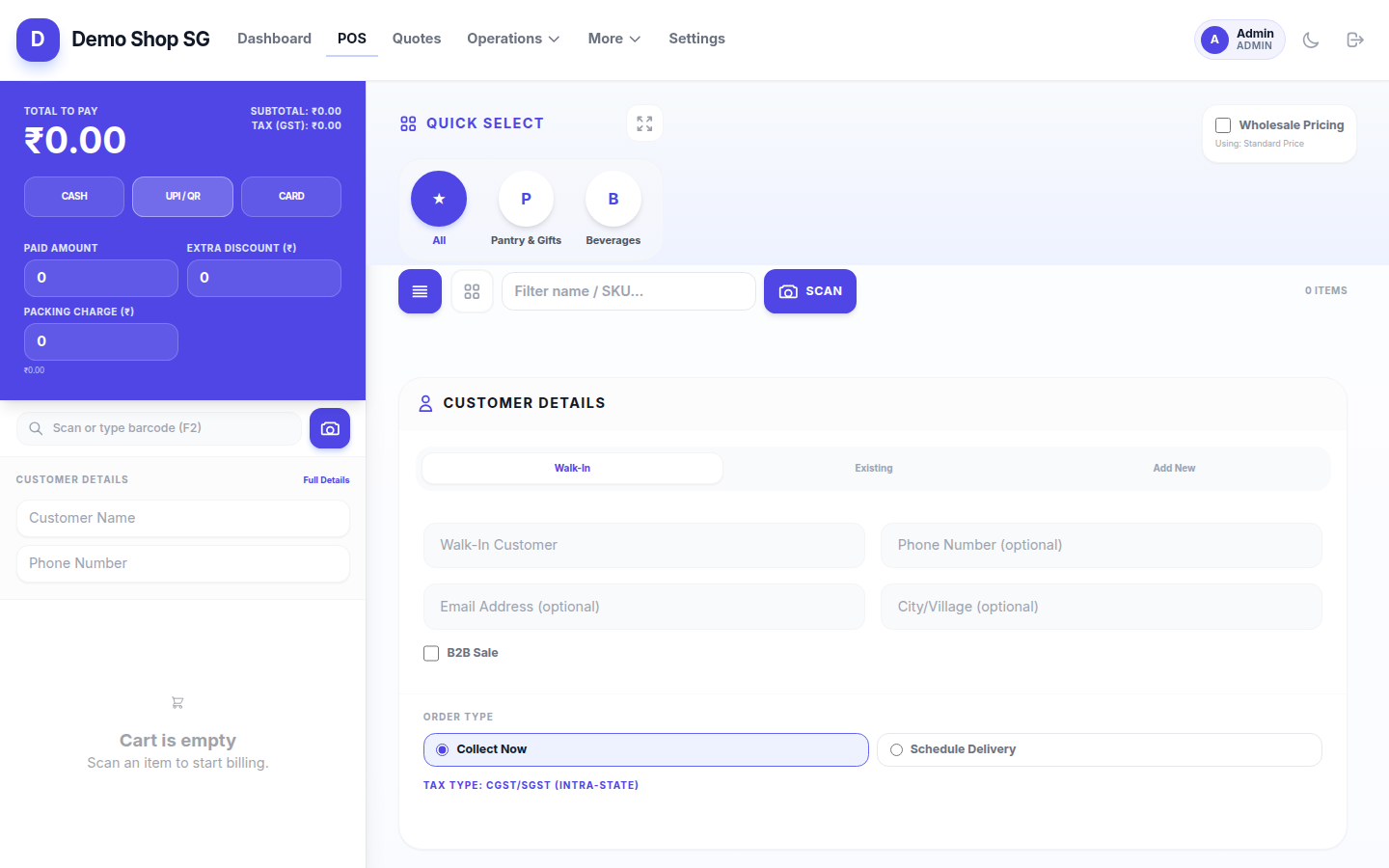
Set up for Singapore
- GST tax invoices. Your GST Reg No and the 9% GST inside the total, on every receipt.
- PayNow QR. On printed receipts and at online checkout.
- GST F5 summary. Quarterly boxes 1 to 8 with a CSV for your accountant.
- CPF and SDL. Worked out on each staff salary record.
- PDPA consent. Customer contact details only with consent, promotions only with opt-in.
- S$ and local formats. 8-digit phone numbers, 6-digit postal codes, dd/mm dates.
Want this for your shop?
We set up yourname.kanipos.com and load your products.