
Run the whole floor from one system
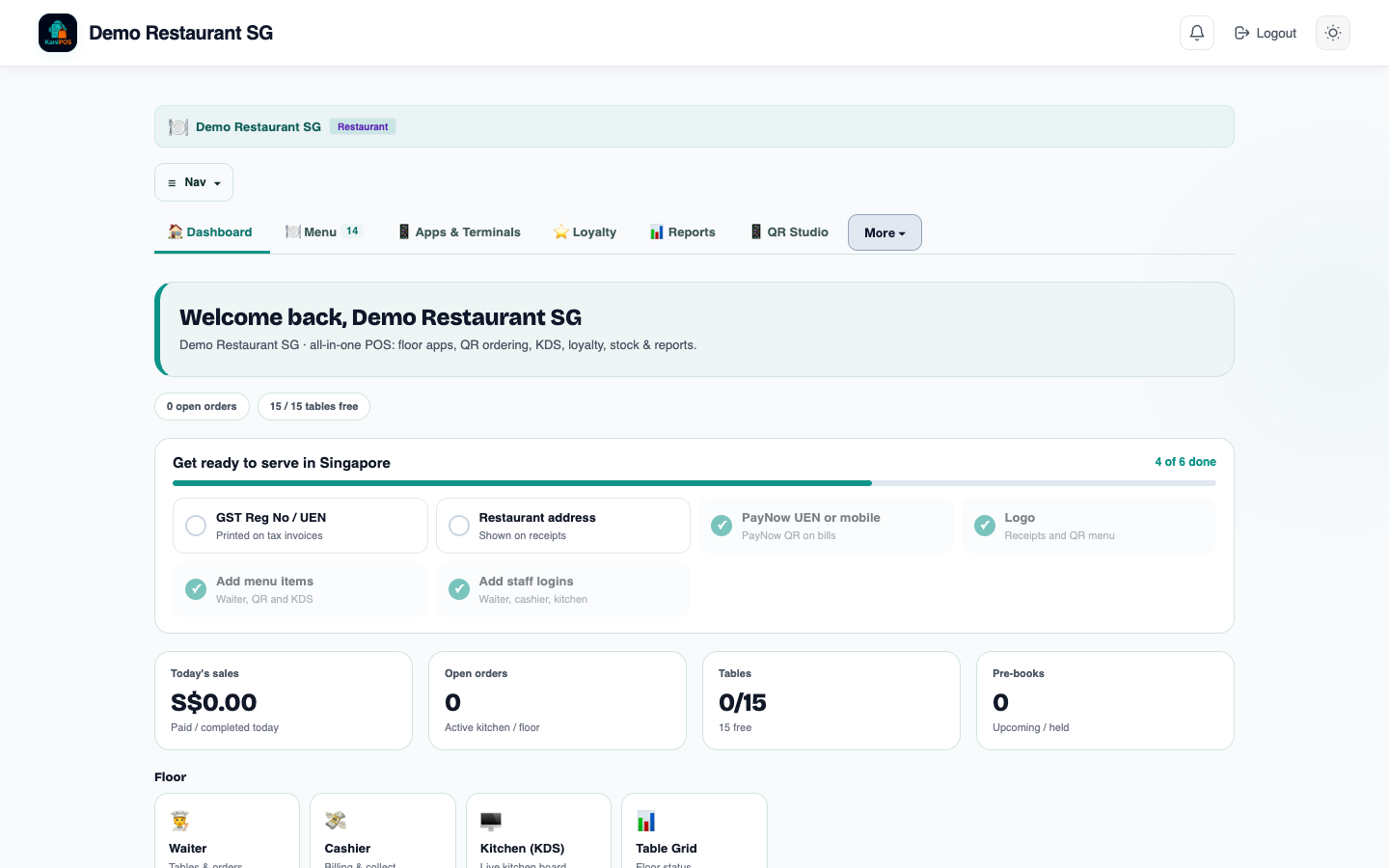
Waiters, cashier, kitchen and the customer’s phone all see the same order. Every screen below is a live demo of a sample Singapore restaurant. Open any of them, no password needed.
Pick a screen to try
Each demo opens in a new tab, already signed in for that role.
See which tables are free, take orders at the table on a phone and send them to the kitchen.
Open the waiter screenClose bills, split them, take PayNow or cash and print the GST tax invoice.
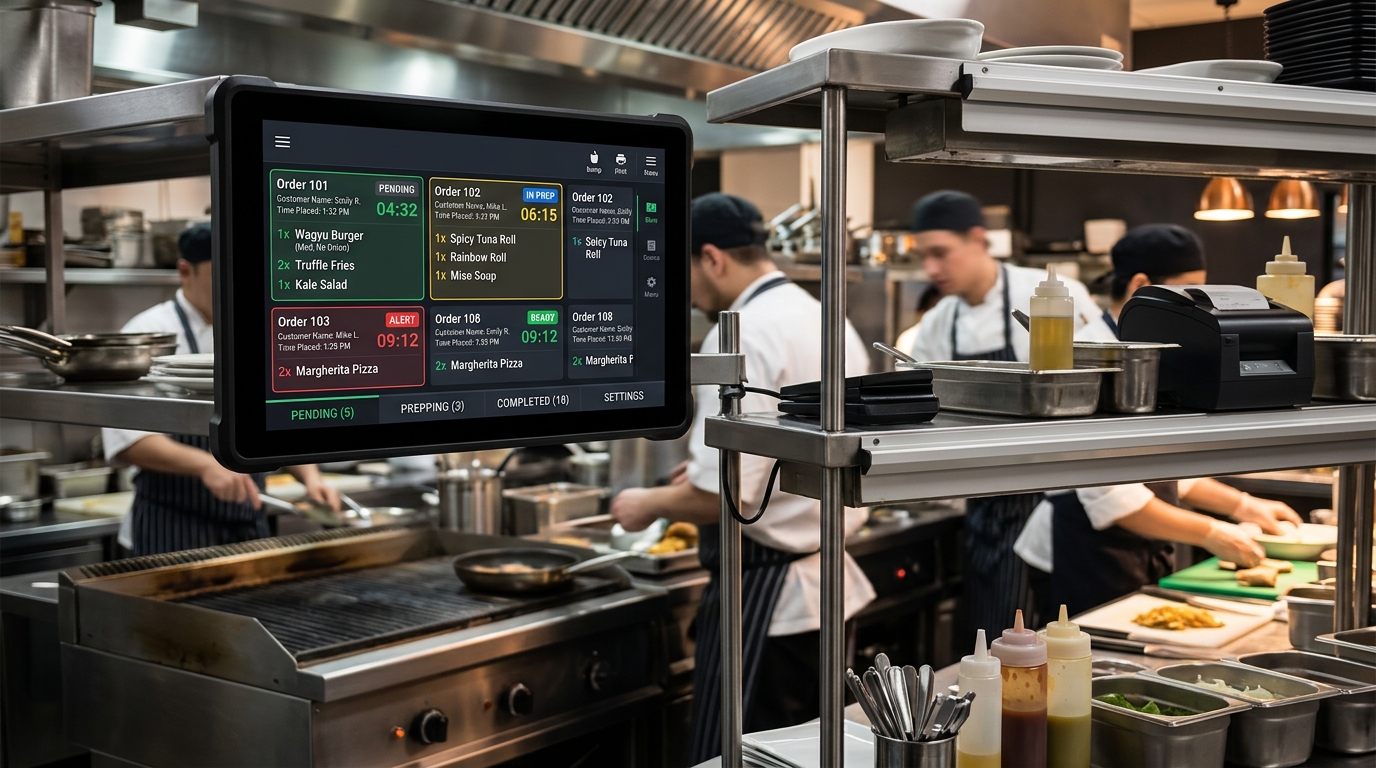
Open the cashier screenNew orders appear here. Cooks mark them started and ready so the floor knows.
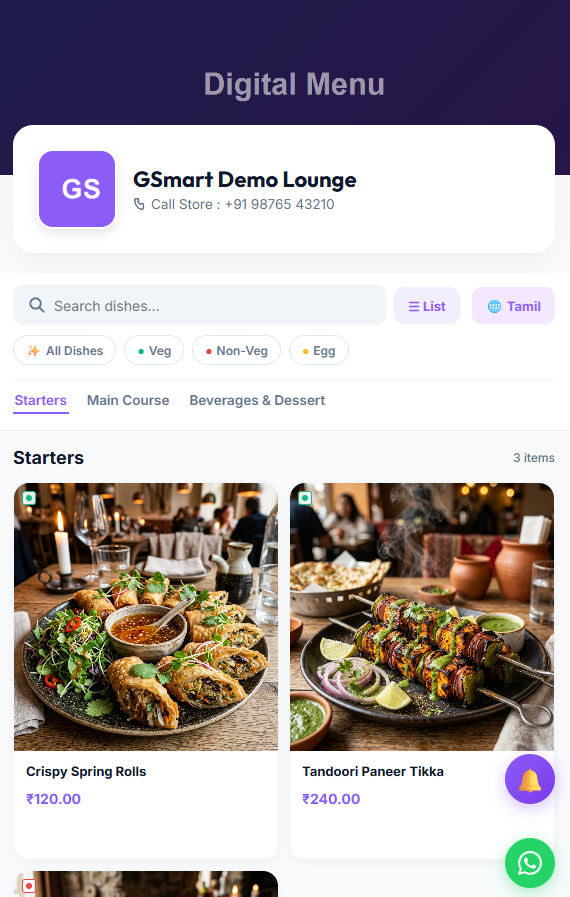
Open the kitchen displayGuests scan the table QR, browse photos, order and follow their order status.
Open the guest menuEdit the menu and prices, manage staff and CPF, and see sales and the GST F5 summary.
Open the dashboardGuests book a table online and get a confirmation.
Open the booking page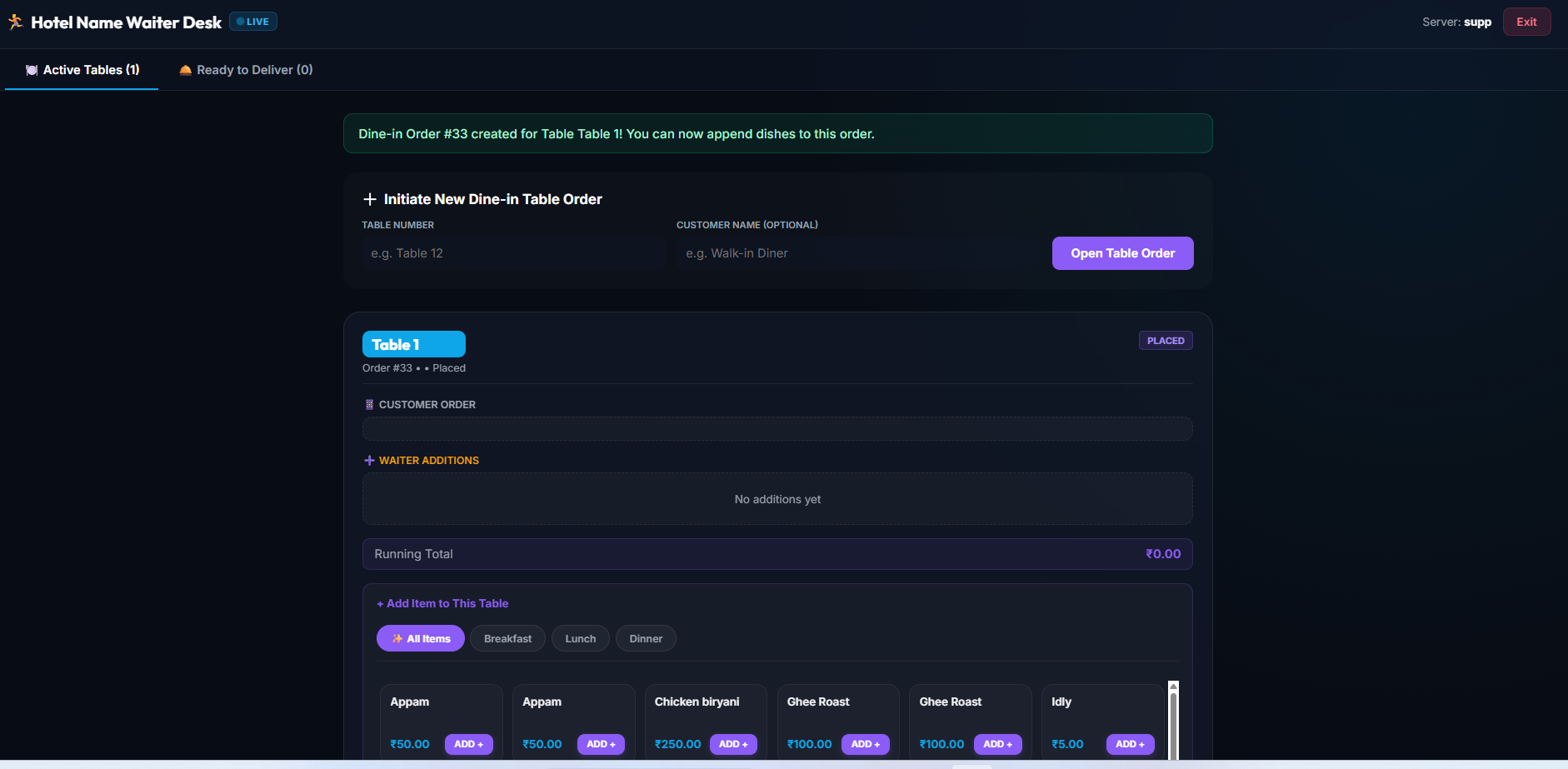
Set up for Singapore
- GST tax invoices. Your GST Reg No and the 9% GST inside the total, on every bill.
- PayNow QR. Printed on the bill and shown on the guest’s phone.
- GST F5 summary. Quarterly boxes 1 to 8, ready for the myTax Portal.
- CPF and SDL. Worked out on each staff salary record.
- PDPA consent. Guest phone numbers are kept only with their agreement.
- S$ and local formats. 8-digit phone numbers, 6-digit postal codes, dd/mm dates.
Want this for your restaurant?
We set up yourname.kanipos.com and load your menu.